Adobe Document Authoring just got an MCP server, and content work got noticeably faster
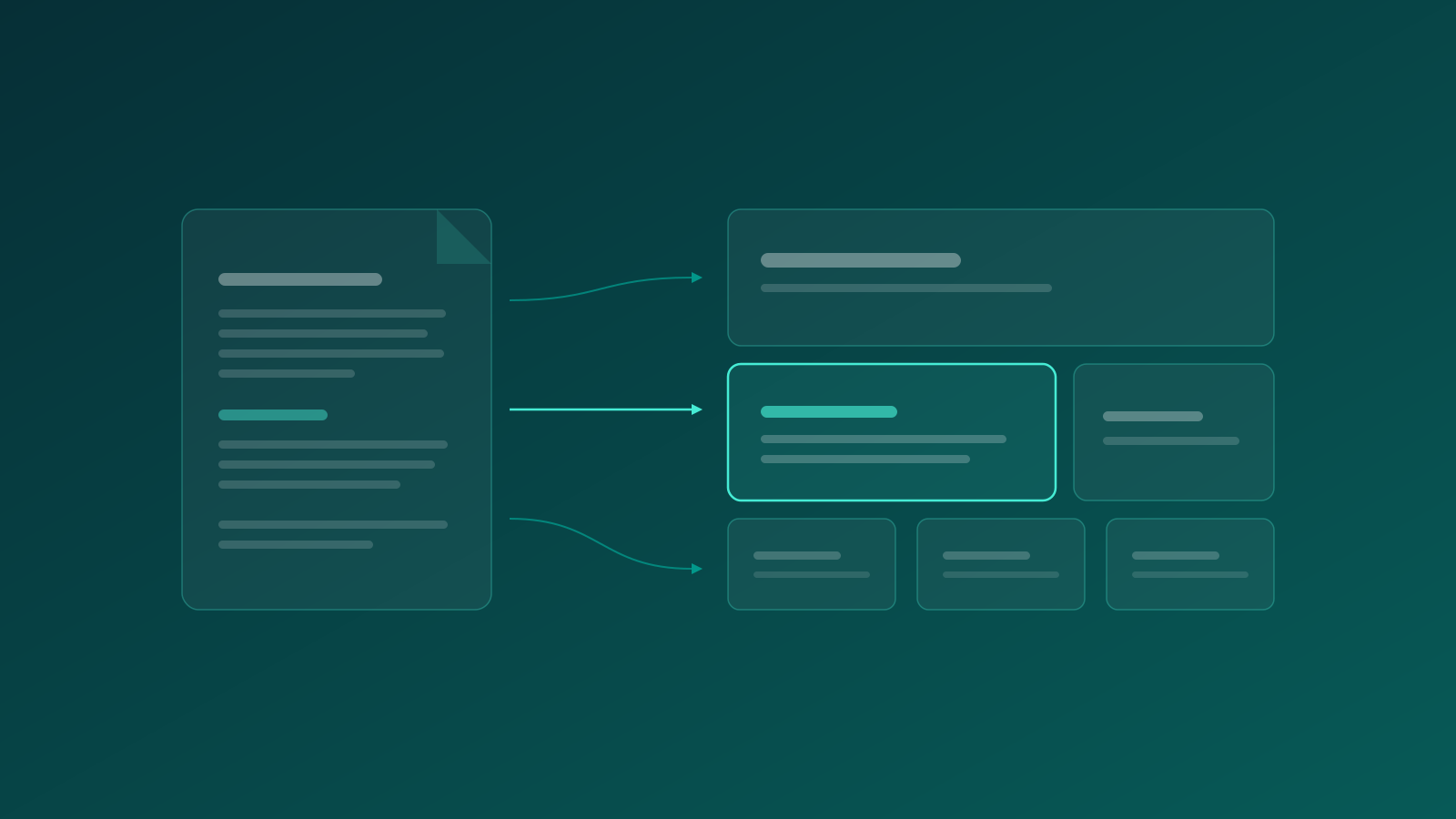
There's a category of work every content team knows too well. Moving copy from a Google Doc into the CMS. Rebuilding a page that already exists in a slightly different form. Fixing metadata across a folder. Checking what changed in a document last week and who changed it. None of it is difficult, all of it eats hours, and it sits between every idea and every published page.
Adobe just made a quiet release that goes straight at that category. Document Authoring, the lightweight CMS for Edge Delivery Services, now has its own MCP server (DA MCP), currently in early access. I tested it on our own site, and I think it deserves more attention than it's getting.
What the DA MCP server actually does
Why this works unusually well on EDS
We tested it on our own site
The SEO layer is just more content
What we deliberately kept slow
What this changes for teams
Where to start
What the DA MCP server actually does
MCP, the Model Context Protocol, is an open standard that lets AI assistants work inside external systems instead of shuttling content back and forth through copy-paste. Adobe has been rolling out MCP servers across the AEM ecosystem for a while now, though mostly for developers. We covered one of them in AEM Content MCP in Practice.
The Document Authoring server is aimed at something else entirely: the content itself. Connect it to an assistant like Claude and the AI can browse your site structure, read pages, create new ones, update or move them, and copy content between locations. It goes further than pages, though. The same connection handles version history, including snapshots you can create and compare, media uploads, and lookups that tell you where an image or a content fragment is referenced across the site. Even the preview and publish pipeline is exposed, governed by the same permissions any author would have. Effectively, the assistant gets author-level access to your CMS, and you describe what you want in plain language.
Why this works unusually well on EDS
Most CMS platforms keep content in a database behind template logic, so any AI trying to work with pages has to understand APIs, component models and rendering rules first. EDS skips all of that. Pages are documents, built from sections and blocks, and every site has a block library defining what authors are allowed to use.
That library turns out to be the guardrail that makes AI authoring safe. The assistant doesn't invent layouts or touch frontend code. It reads the approved blocks and assembles content into them, so the output renders like every other page on the site. Whether the design system holds is decided by the design system, not by the model.
We tested it on our own site
A copywriter's draft in a Google Doc became a complete page in Document Authoring, structured in our existing blocks, metadata included, in a few minutes. Nobody opened an editor. The assistant read our block library first, checked how an existing page was built, and matched it. It even caught that two statistics in the doc were placeholders waiting for real numbers and left them as clean fill-in fields rather than inventing figures, which frankly is more discipline than some human workflows manage.
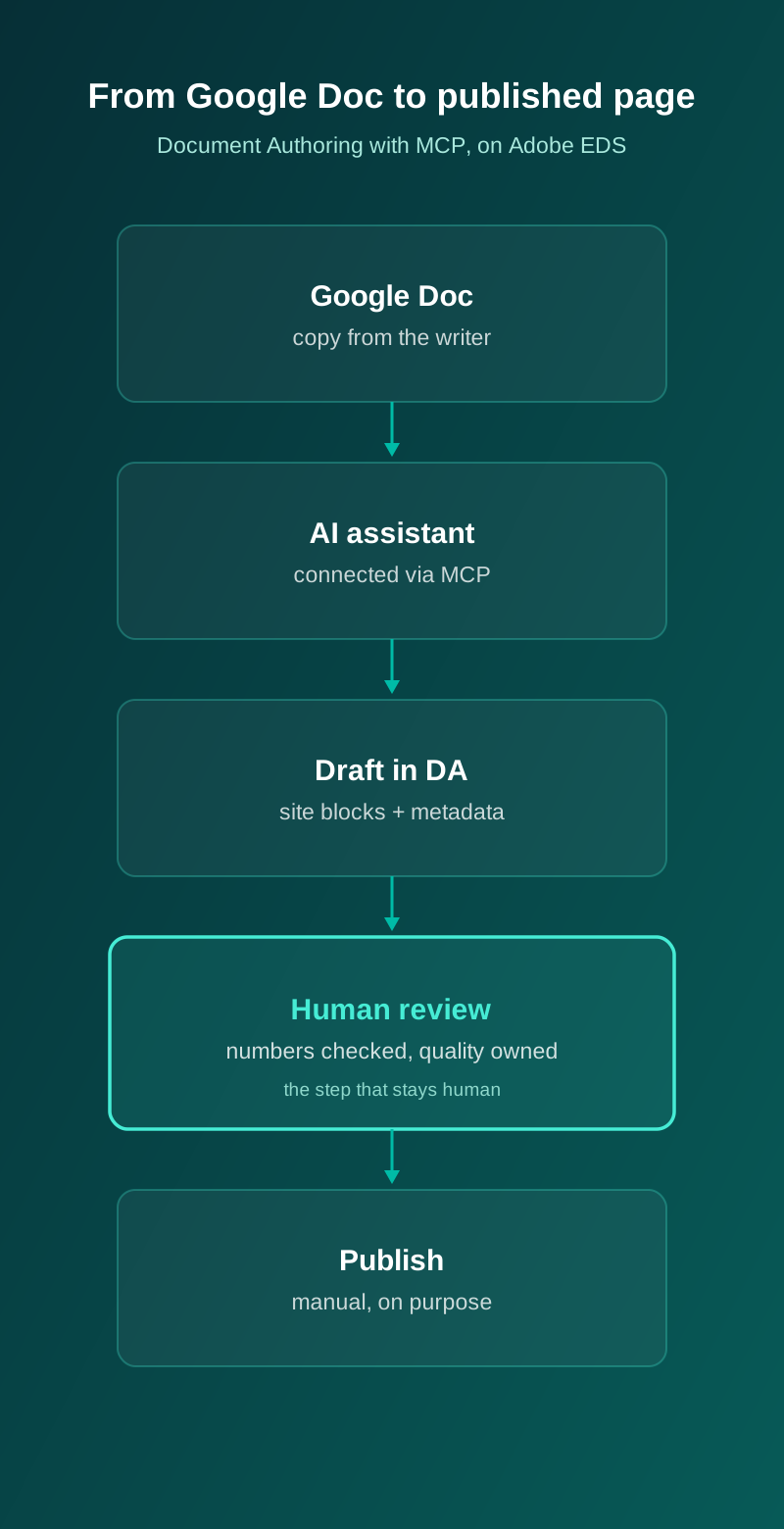
Assets went through the same channel. The workflow diagram above was uploaded from the chat straight into the page's asset folder in DA, with a descriptive filename that ends up in the image URL, and alt text defined at the moment of upload instead of being left for later, which is where alt text usually goes to die. Delivery optimisation is EDS's job anyway; one upload, and the platform serves the right formats and sizes.
And page creation is just the visible part. The same connection handles the unglamorous rest: listing what's in a folder, reading how a page is assembled, comparing versions, moving content around. The tasks that used to mean twenty browser tabs now take a sentence.
The SEO layer is just more content
Here's a detail that makes EDS unusually pleasant for SEO work. The things that decide how a page appears in search are not buried in a settings panel. Each page carries its own metadata block with the title tag, meta description, canonical, robots directives and social tags. Site-wide rules live in a metadata spreadsheet, and redirects live in a plain file at the root. All of it is content, which means all of it is reachable through the same MCP connection.
That turns tedious SEO housekeeping into conversation. Audit titles and descriptions across a whole section and flag duplicates. Fill in missing meta descriptions and review them in one pass. Check canonicals after a restructure. Prepare a redirect map during a migration and have it reviewed before it ships. On our test page, the title tag and description weren't an afterthought bolted on later; they were part of the same draft, written against the target query from the start.
One caution belongs here. Canonicals, robots rules and redirects are the sharpest tools in the box, and a wrong edit hurts quietly for weeks. They should pass through the same human review as publishing does, and arguably a stricter one.
What we deliberately kept slow
Publishing stayed manual. That was not an oversight, and it's the advice we'd give any client considering this. The assistant drafts, a human reviews, checks the numbers, and decides what goes live. The win is removing production friction. Editorial judgment is not the part you want to automate.
This matters more, not less, as the drafting gets faster. Speed without a quality gate is how sites accumulate content nobody stands behind. The setup we'd recommend treats the AI as a very fast junior author with a very patient senior editor, and the editor holds the publish button.
What this changes for teams
The honest answer is that it changes the economics of small content work, and small content work is most content work. Campaign pages that used to wait in a queue. Copy updates across a section. New pages that mirror existing ones. Migrations where content exists somewhere and needs to exist somewhere else, properly structured. Even the risky jobs get safer, because before touching a shared image or fragment you can simply ask which pages use it, instead of finding out after something breaks.
When the cost of those tasks drops from hours to minutes, teams stop rationing them. Pages get updated because updating became trivial, not because someone finally found the time. In our experience that's where content quality actually comes from: not from heroic rewrites, but from a site that's cheap to keep current.
Where to start
For teams on EDS, or evaluating it, the sequence we'd run:
- Check the foundation. This applies to sites authored in Document Authoring, and your block library needs to be in decent shape, because it becomes the vocabulary the AI works with.
- Start with reading, not writing. Let the assistant browse structure, summarize pages and compare versions first. Zero risk, immediate usefulness, and the team learns what it can do.
- Move to drafting with review. AI-drafted pages, human-approved, publishing manual.
- Set the rules early. Who reviews, who publishes, and which parts of the site the assistant may touch.
Early access means this will keep evolving. It also means almost nobody is using it yet, which is usually the strongest argument for starting now. There's a bigger story here too, about what document-based authoring at this speed means for SEO at scale, but that one deserves its own post. If you're wondering what any of this would look like on your stack, this intersection of content operations, SEO and measurement is exactly what our digital performance team does all day.